

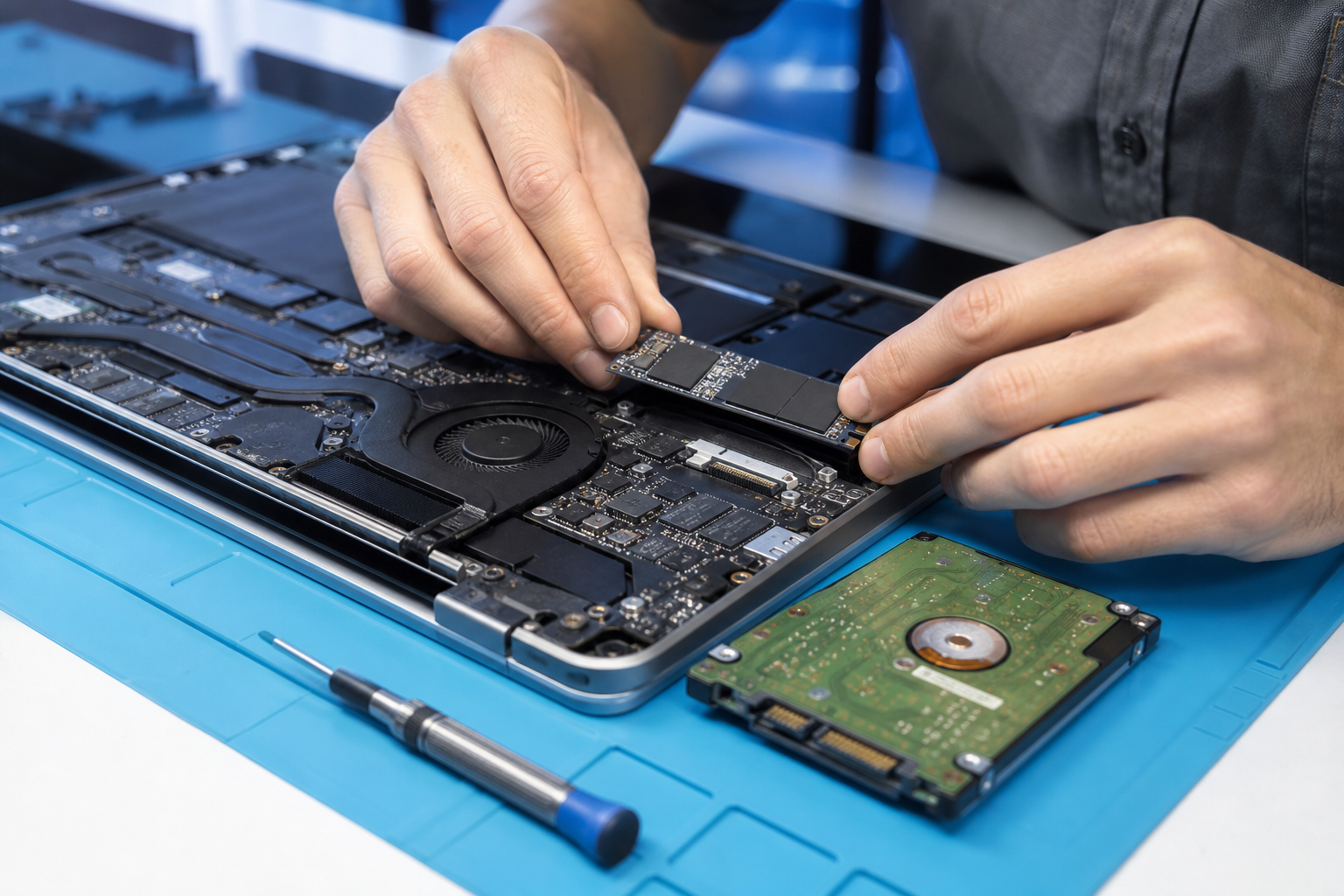
Laptop Screen Repair in Hoppers Crossing: Common Display Problems and Replacement Options
A damaged laptop screen can make even the simplest tasks difficult. Whether you use your laptop for work, studies, business or everyday browsing, problems such as cracked displays, flickering screens, black screens and distorted images can interrupt your routine.
If you are searching for laptop screen repair in Hoppers Crossing, understanding the cause of the problem can help you decide whether your laptop needs a screen replacement or a different type of repair.
At VFixTechs, we help customers with laptop and computer repair requirements across Tarneit and surrounding western suburbs, including Hoppers Crossing. This guide explains common laptop display problems, their possible causes and what to consider before arranging a repair.
1. Common Laptop Screen Problems
Not every display issue means that the entire screen needs replacing. Some problems may be related to internal connections, graphics hardware or software.
Here are some common laptop screen problems to look out for.
Cracked or Physically Damaged Laptop Screen
A cracked laptop display is one of the most noticeable screen problems. It can happen when a laptop is dropped, pressure is applied to the lid or an object gets caught between the keyboard and screen.
Common signs include:
-
Visible cracks across the display.
-
Black spots or ink-like marks.
-
Coloured lines appearing on the screen.
-
Parts of the display becoming completely unusable.
-
Images appearing distorted around the damaged area.
In many cases, a physically damaged LCD or OLED panel requires replacement. Continuing to press or apply pressure to the damaged screen can make the problem worse.
Laptop Screen Flickering
Does your laptop screen keep flashing, blinking or changing brightness unexpectedly?
Screen flickering can have several causes, including:
-
Loose or damaged display connections.
-
Faulty display panels.
-
Outdated or problematic graphics drivers.
-
Incorrect display settings.
-
Hardware-related faults.
If the flickering continues after restarting the laptop and checking display settings, professional diagnosis may help identify the actual cause.
Laptop Screen Showing Black Display
A laptop that powers on but displays a completely black screen can be experiencing a display-related or hardware problem.
Possible causes include:
-
Damaged laptop display.
-
Loose internal display cable.
-
Graphics hardware problems.
-
Memory or motherboard-related faults.
-
Operating system startup issues.
Before assuming the screen needs replacement, a technician should determine whether the laptop is actually starting and whether an external display works.
Lines or Distorted Colours on the Screen
Horizontal lines, vertical lines, unusual colours and distorted images may indicate a problem with the display panel or its connection.
These symptoms can sometimes appear after accidental impact or physical pressure.
A proper inspection can help determine whether the issue is limited to the screen or involves another internal component.
Laptop Screen Brightness Problems
If your screen appears unusually dark or brightness changes unexpectedly, the cause may be related to display settings, power management, graphics drivers or hardware.
Check your brightness settings first. If the problem persists, the display and its connections may need further inspection.
2. What Causes Laptop Screen Damage?
Laptop displays are delicate components. Even when the external laptop body looks fine, internal screen damage can occur.
Some common causes include:
Accidental drops: Dropping a laptop can crack the display panel or damage internal connections.
Pressure on the screen: Placing heavy objects on a closed laptop or pressing the display too hard can cause cracks and display abnormalities.
Objects trapped between the keyboard and screen: Small objects, pens or other items can create pressure when the laptop lid is closed.
Damaged display hinges: Faulty or stiff hinges can place additional pressure on the display assembly and its connecting cables.
Liquid damage: Spilled liquids can affect display connections and other internal electronics.
Understanding how the damage occurred can help technicians identify the components that need inspection.
3. Does Your Laptop Need Screen Replacement or Another Repair?
This is an important question because not every display problem requires a complete screen replacement.
The correct repair depends on the underlying fault.
| Display problem | Possible solution |
|---|---|
| Cracked LCD or OLED panel | Screen replacement |
| Flickering display | Cable, panel or driver diagnosis |
| Black screen | Display and hardware diagnosis |
| Horizontal or vertical lines | Panel or connection inspection |
| Loose display connection | Display cable repair or replacement |
| Incorrect brightness | Software or hardware troubleshooting |
For example, if the laptop screen is physically cracked, replacing the damaged panel may be necessary. However, if the screen flickers because of a loose connection, replacing the entire display may not be required.
This is why proper diagnosis should come before approving a repair.
4. How Much Does Laptop Screen Replacement Cost in Hoppers Crossing?
The cost of laptop screen replacement in Hoppers Crossing depends on several factors.
There is no fixed price that applies to every laptop because different models use different display technologies and components.
Here are some factors that influence the cost:
Laptop brand and model: Dell, HP, Lenovo, ASUS, Acer and Apple laptops may use different display components.
Screen size: A 14-inch display and a 17-inch display may have different replacement costs.
Display technology: Standard LCD, IPS, touchscreen and OLED displays can have significantly different prices.
Resolution: Full HD, QHD and higher-resolution panels may have different replacement costs.
Part availability: Some replacement displays are easier to source than others.
Labour requirements: Certain laptop designs require more extensive disassembly to replace the screen safely.
Before approving a screen replacement, ask for a quote that explains the replacement part, labour charges and any applicable warranty.
Providing the exact laptop model number can help a repair provider identify the appropriate replacement screen.
5. Can You Use an External Monitor if Your Laptop Screen Is Broken?
In some situations, yes.
If your laptop still powers on and its graphics hardware is functioning, connecting an external monitor through HDMI, USB-C or another supported display connection may allow you to continue using the device.
This can be useful when:
-
The laptop screen is cracked.
-
The internal display is completely black.
-
You need temporary access to important files.
-
You want to back up your data before arranging a repair.
However, an external monitor will not solve the underlying display problem. It is a temporary alternative rather than a permanent repair.
If the laptop has important data, consider backing it up before arranging hardware work.
6. Should You Repair or Replace a Laptop with a Broken Screen?
A broken screen does not necessarily mean you need to purchase a new laptop.
Before deciding, consider the following:
Age of the laptop: A relatively recent laptop may be worth repairing, especially if the remaining components are in good condition.
Overall performance: If the laptop still performs well for your everyday requirements, replacing the screen may be a practical option.
Replacement cost: Compare the screen repair quote with the price of purchasing a suitable replacement device.
Other hardware problems: If the laptop also has battery, motherboard or storage problems, consider the combined repair cost.
Your requirements: If the laptop meets your work or study requirements, repairing it may be more economical than replacing it.
A technician can help you understand the available options before you make a decision.
7. Why Choose VFixTechs for Laptop Screen Repair Near Hoppers Crossing?
When dealing with a damaged laptop display, choosing an experienced repair provider is important.
VFixTechs provides laptop and PC repair services from Tarneit, serving customers in surrounding western suburbs, including Hoppers Crossing.
Whether you are dealing with a cracked display, flickering screen or a laptop that powers on without showing an image, the first step is identifying the actual fault.
VFixTechs assists with various laptop and computer repair requirements, including:
-
Laptop screen and display-related repairs.
-
Laptop battery replacement.
-
Keyboard and hardware repairs.
-
Charging port troubleshooting.
-
Laptop overheating and cooling issues.
-
SSD and RAM upgrades.
-
Windows installation and software troubleshooting.
-
Computer diagnostics and hardware troubleshooting.
The appropriate repair depends on the laptop model and the results of the inspection.
If you are looking for laptop screen repair in Hoppers Crossing, contact VFixTechs to discuss your laptop model, the display problem and the available repair options.
8. What Information Should You Provide Before Requesting a Repair?
Providing a few details can make the repair process easier.
Before contacting a technician, prepare:
-
Laptop brand: Dell, HP, Lenovo, ASUS, Acer, Apple or another manufacturer.
-
Exact model number: This helps identify the compatible replacement display.
-
Description of the damage: Explain whether the screen is cracked, flickering, black or showing lines.
-
How the problem started: Mention any accidental drops, pressure or liquid spills.
-
Photographs: If possible, share a clear photograph of the damaged display.
These details can help the repair provider understand the problem and advise you on the next steps.
Frequently Asked Questions
How much does laptop screen repair cost in Hoppers Crossing?
Laptop screen repair costs depend on the brand, model, screen size, display technology and availability of replacement parts. Contact a repair provider with your exact laptop model to obtain an accurate quote.
Can a cracked laptop screen be repaired without replacing it?
A physically cracked LCD or OLED panel generally requires replacement. However, some display problems are caused by loose connections or other hardware faults, which may be repairable without replacing the screen.
Is it worth replacing a laptop screen?
Yes, in many cases. If the laptop is otherwise functioning properly, replacing the damaged display may be more economical than purchasing a new device.
How long does laptop screen replacement take?
The time required depends on the laptop model, replacement screen availability and repair complexity. Some repairs can be completed relatively quickly, while others may take longer if specific parts need to be ordered.
Can I recover my files if my laptop screen is broken?
In many cases, yes. If the laptop's storage drive is functioning, your files may still be accessible through an external monitor or another suitable recovery method. If the laptop has additional hardware damage, professional assistance may be necessary.
Does VFixTechs serve customers in Hoppers Crossing?
VFixTechs operates from Tarneit and serves surrounding western suburbs, including Hoppers Crossing. Contact the team to confirm workshop arrangements and the available repair options for your laptop.
Final Thoughts
A damaged laptop screen can affect productivity, communication and everyday work. Whether you are experiencing a cracked display, flickering images, black screen or unusual lines, identifying the actual cause is the first step towards finding the right solution.
Replacing the entire display is not always necessary, so a proper diagnosis can help prevent unnecessary repair expenses.
For residents and businesses looking for laptop screen repair in Hoppers Crossing, VFixTechs can help you explore suitable repair options and get your laptop working again.
Visit https://vfixtechs.com.au/ to learn more about VFixTechs' laptop and computer repair services.