

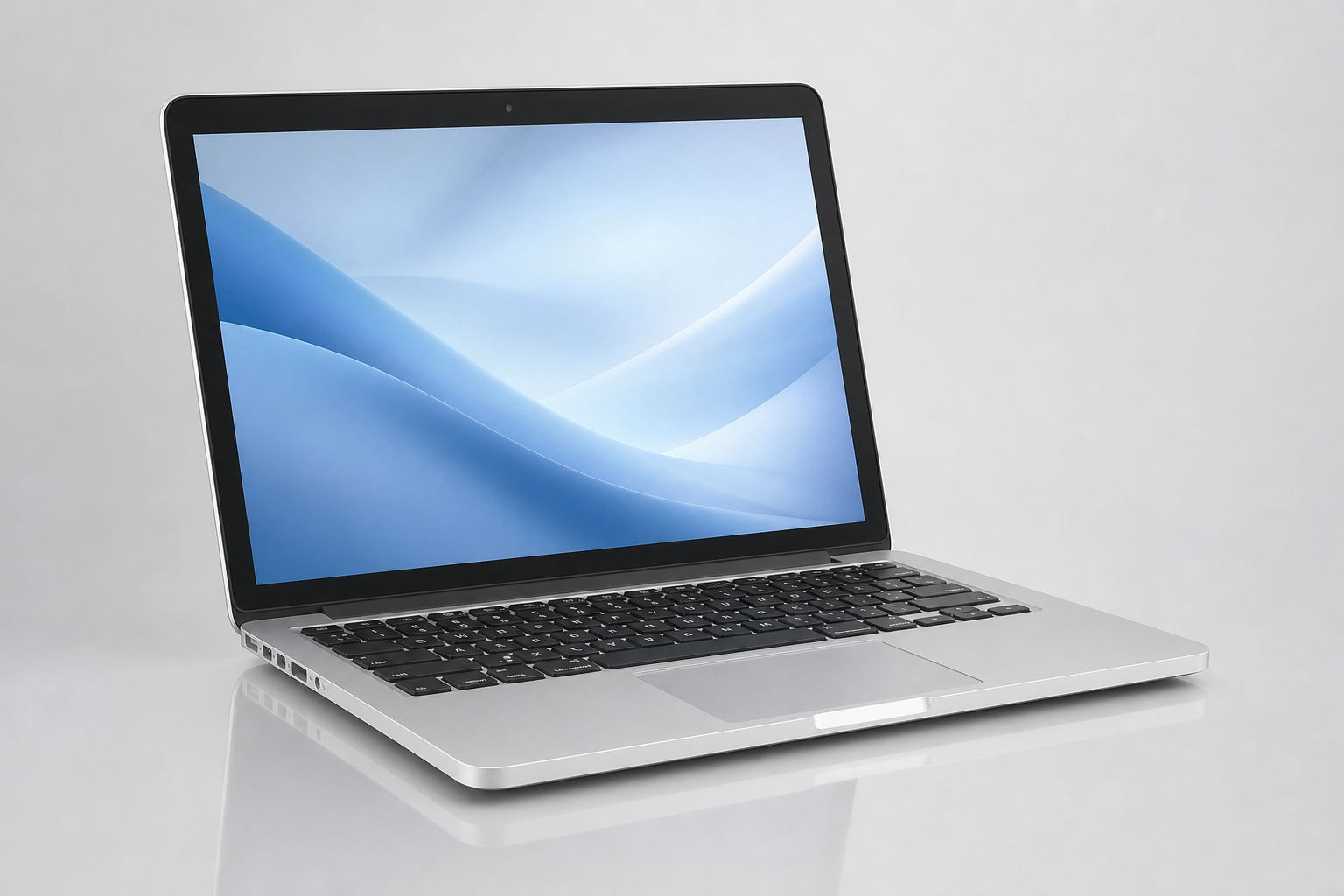
A MacBook that once felt fast can gradually become slower over time. Applications may take longer to open, the system may freeze occasionally, or simple tasks can start feeling frustrating.
While some slowdowns can be related to software or storage, persistent performance problems can sometimes indicate an underlying hardware or system issue.
If your MacBook is running slow in Tarneit, knowing the warning signs can help you decide when it may be time to have the device professionally checked.
Why Is Your MacBook Running Slow?
There isn't always one reason for a slow MacBook. Performance can be affected by several factors, including:
- Limited available storage
- Too many applications or processes running
- Older hardware
- Battery-related issues
- macOS or software problems
- Hardware faults
- Overheating
- Storage-related problems
The cause can vary depending on the MacBook model, age and condition.
Common Signs of a Slow MacBook
1. Applications Take Longer to Open
If apps that previously opened quickly are taking noticeably longer to load, it may indicate a performance issue.
2. Your MacBook Freezes Frequently
Occasional delays can happen, but repeated freezing or unresponsiveness shouldn't be ignored.
3. Startup Takes Too Long
A significant increase in startup time can be another indication that your MacBook needs attention.
4. The MacBook Gets Hot
If your MacBook becomes unusually hot while performing basic tasks, overheating could be contributing to the performance problem.
5. The Fan Is Constantly Running
A constantly active or unusually loud fan can indicate that the MacBook is working harder than expected.
6. Everyday Tasks Feel Slow
If browsing the internet, opening documents, switching between applications or performing other basic tasks has become noticeably slower, it may be time to investigate the cause.
Can Low Storage Make a MacBook Slow?
Limited storage can affect overall system performance, particularly when the MacBook has very little free space available.
Large applications, photos, videos, downloads and other files can gradually consume storage.
If storage is consistently running low, a professional can assess the MacBook and determine whether storage management, an upgrade or another solution is appropriate.
Could an Older MacBook Need an Upgrade?
Older MacBook models may struggle with newer applications and operating systems compared with newer hardware.
Depending on the specific model, age and condition, a technician may be able to identify whether the performance issue is related to hardware limitations or another problem.
A MacBook upgrade in Tarneit may be worth considering in some situations, while other devices may benefit from a different repair or service.
When Should You Get Your MacBook Checked?
Consider professional MacBook repair in Tarneit if your MacBook:
- Has become noticeably slower
- Frequently freezes or becomes unresponsive
- Takes a long time to start
- Runs unusually hot
- Has persistent fan noise
- Experiences unexpected shutdowns
- Shows other unusual performance problems
Getting the device assessed can help identify the actual cause rather than simply assuming that the MacBook needs to be replaced.
What About MacBook Battery Problems?
Battery condition can also affect how you use your MacBook.
If the battery drains unusually quickly, the MacBook shuts down unexpectedly or the battery isn't holding a charge as it once did, the device may require a battery assessment.
If necessary, you can also ask about MacBook battery replacement in Tarneit.
Don't Ignore Persistent Performance Problems
A slow MacBook doesn't necessarily mean you need to buy a new computer.
The cause could be related to storage, software, cooling, battery condition or hardware. A professional inspection can help determine what is actually affecting the device.
Avoid making major hardware or software changes without understanding the underlying problem, particularly if the MacBook contains important files.
Looking for MacBook Repair in Tarneit?
If your MacBook has become slow, overheats, freezes or is experiencing other performance problems, VFixTechs can assess the device and help identify the issue.
VFixTechs provides MacBook repair services in Tarneit for customers experiencing performance, hardware and other MacBook-related problems.
👉 Need help with a slow MacBook? Visit VFixTechs:
VFixTechs
Contact VFixTechs to discuss your MacBook problem and arrange a professional assessment.